
The screenshots show the app in French. In your language, the buttons are in the same place.
Add family photos
A real photo of grandma is far easier to recognise than a drawing.
- 5 steps
- 5 min
-
Open the adult area
On your child’s screen, tap the small grey cog at the top right. Enter your adult passcode.The cog, at the top right. -
In “Personalise”. -
One person at a time
One person is shown per screen: mum, dad, grandma… Tap Take a photo or Choose from photo library. The app only sees the photo you choose, not the rest of your photos.
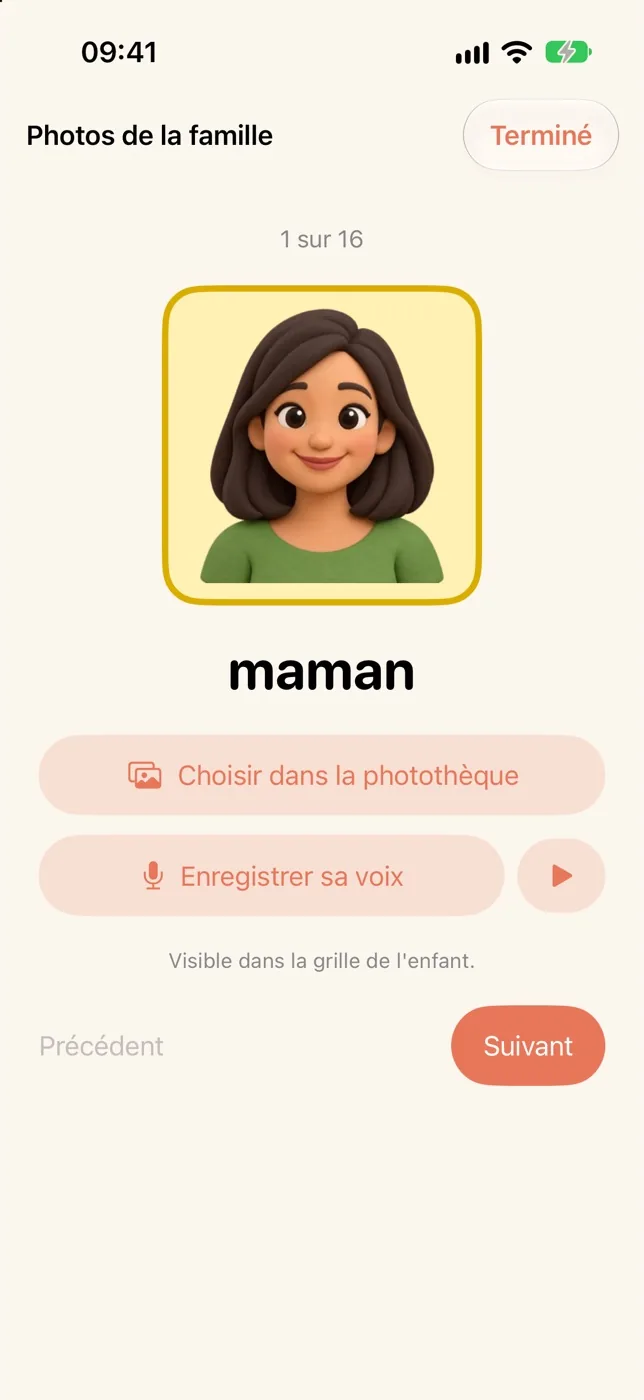
One person per screen. -
Their voice, if you like
Tap Record their voice and ask that person to say their name, then tap Stop.
-
Move on to the next person
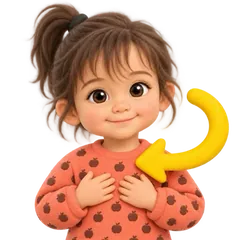
Next moves on to the next person. At the end, tap Finish. The photo replaces the drawing in the grid.
Then “Finish”.
 I
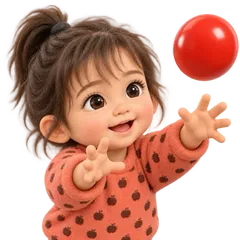 want
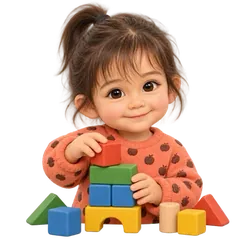 play
 yes
 no
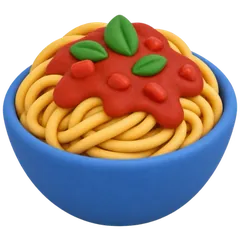 Meals
Not working?
I want the drawing back.
Open “Family photos” again, go to the person and choose to go back to the drawing: the photo is removed.